My good mate Rob sought some advice on setting up two PC laptops to play a multiplayer realtime strategy game with his son.
I also wanted to ask for a little IT help down the track. Wanna set up two laptops to play supreme commander together with my son. Any how-tos u could recommend to make a PvP set-up like we used to?
An epic idea. I recently tried lazily do the same with my boy using the lame iPad version of the classic Command and Conquer
I told Boy stories of Rob and I, playing multi-hour games of Total Annihilation.
Boy tried to appreciate what I was telling him, with a glisten in my eye, but the four minute game that is iPad Command and Conquer killed my narrative.
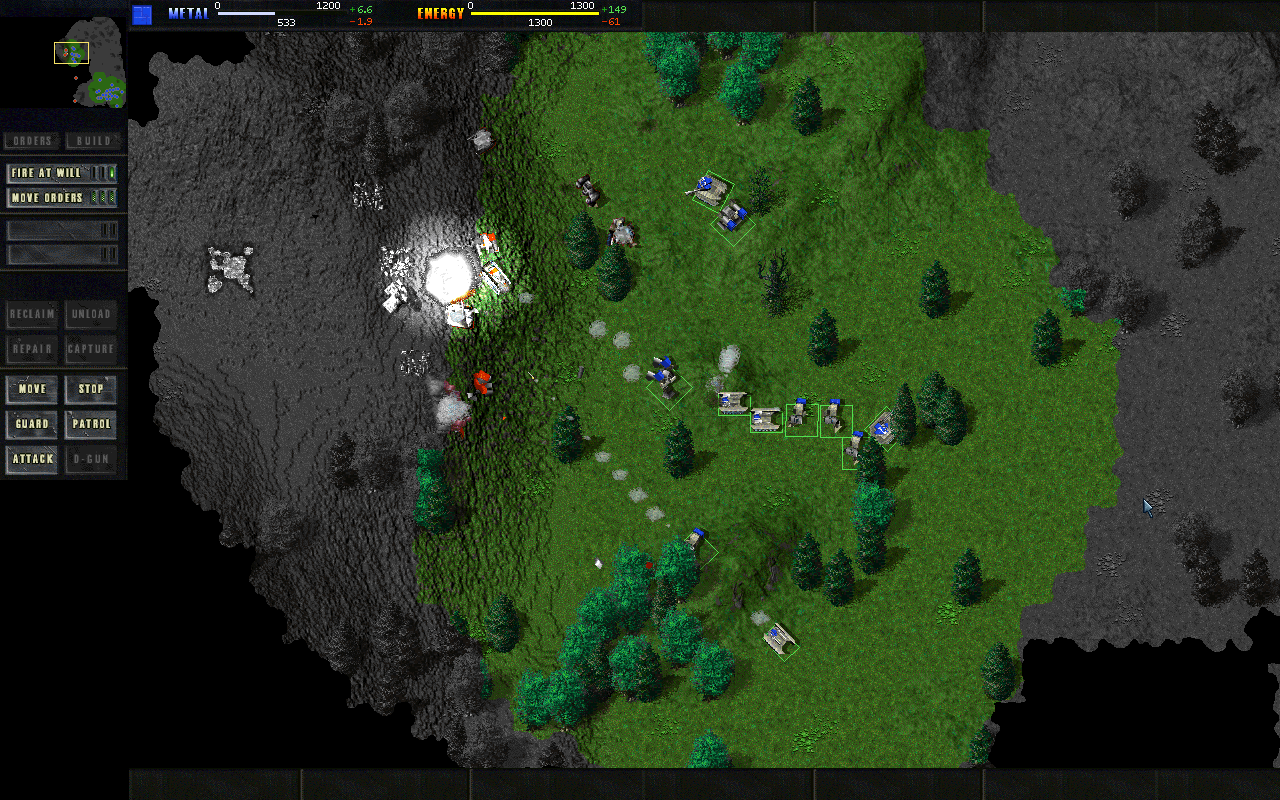
Total Annihilation (circa 1998)
Rob’s plan to actually play a full RTS game has me engaged. Not least because, perhaps all four of us could play a game together someday.
I’ve yet to ask Rob if he has the laptop(s) yet, but as a guide, the following could work.
Supreme Commander
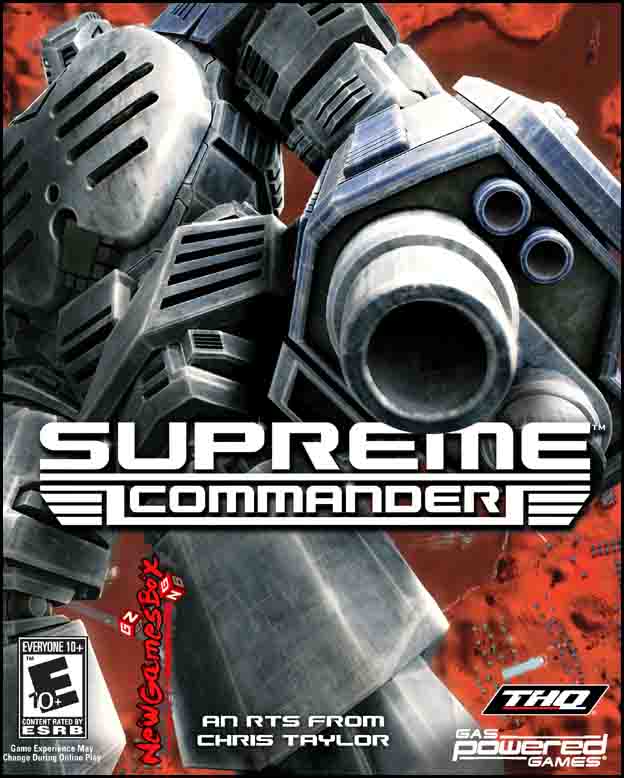
The 2007 released Supreme Commander is available on Steam for Windows PCs.
Being a game that is more than 10 years old, a reasonably modest laptop should comfortably play the game. The key ingredients to a pleasant Windows gaming experience would be;
- plenty of RAM (4+ GB)
- a high resolution display, ideally not one of the current standard 1920 x 1080 laptops.
- adequate WiFi
Nice-to-haves;
- SSD storage
- headphones with microphone, for Discord voice chat.
- a backlit keyboard
- a trackball mouse
A little more vertical screen real-estate is always appreciated IMHO. 1920 x 1200 (WUXGA) seems to be a good compromise, and certainly more resolution that the SXGA (1280 x 1024) CRTs that we were playing on back in the day.


I see eBay currently has some Dell Latitude E6500 Notebooks for about $300AUD delivered from the US.https://www.ebay.com.au/itm/Dell-Latitude-E6500-P8800-2-66GHz-4GB-RAM-320GB-WUXGA-1920x1200-Windows-XP-Pro/324256567099
These have 15.4" WUXGA screens, and a magnesium body. These would feel more like a nice piece of Sony gear, rather than a plasticky tacky Sanyo.
Removing only one screw, the case can be opened easily, to retrofit a SSD drive. The Intel Core 2 Duo CPU that these units sport, have a 1,066MHz front side bus speed, so you could probably also upgrade the RAM with 2x4GB SODIMMs for $58.
They have an ethernet LAN port, which can alleviate crappy WiFi using the ethernet ports on your WiFi router. They also have builtin 802.11n Wifi (which, once upon a time, was not standard on mobile computing devices)
Additionally they’re equipped with both a touchpad and a trackpoint. The IBM/Lenovo style trackpoint (mini joystick) would probably require a new replaceable tactile cover, as these tend to wear out. For gaming, I’d recommend an external trackball style pointing device, such as the Logitech Wireless Trackball M570. (I use a Logitech MX ERGO everyday on my Mac)
The GPU is a workstation part; Nvidia Quadro NVS 160M (GDDR2 256MB), which compares favourably to a close relative of the Steam recommended GPU, the Nvidia GeForce 6800.https://gpu.userbenchmark.com/Compare/Nvidia-Quadro-NVS-160M-vs-Nvidia-GeForce-6600-GT/m8249vsm8656
I am not sure if Windows 10 can be installed on this machine. I’d re-install Windows XP if not, as goodness knows what malware the previous owner unintentionally installed.
If one wanted to pony up $500AUD, there is a much newer, Dell Precision M6500 available.https://www.ebay.com.au/itm/383129823674
This has;
- 17" WUXGA with a LED backlight.
- quad-core Intel Core i7 CPU
- 8 GB RAM
- 500GB SSD
- Nvidia Quadro FX 2800M (GDDR3 1,024MB)
All of which would happily run Windows 10(¹,²), and smash Supreme Commander. The SSD would enable much faster loading of games, which can help with the somewhat less patient LAN gamers. The GPU, again a workstation part, roughly equivalent to the Nvidia GeForce 9600 GThttps://gpu.userbenchmark.com/Compare/Nvidia-Quadro-FX-2800M-vs-Nvidia-GeForce-6600-GT/m8137vsm8656
- Dell no longer ‘support’ Windows for this machine, and only offer their driver software for Windows 7, which from my recollection was crap.
- This probably doesn’t matter, as Windows 10 should have built-in drivers for most of the Dell hardware.
software
As mentioned, the operating system should be reinstalled, on a freshly formatted disk drive. Steps to do so are broadly;
- create a USB thumb-drive installer of Windows
- boot the laptop from the USB thumb-drive. perhaps hold down F12 on boot.
- interrupt the installer early on, when selecting the hard drive location to install upon, and instead format with extreme prejudice
- complete install of Windows, reboot
- install MalwareBytes
- install Nvidia GPU drivers
- install Steam
- install Discord
the games
First, there was Command and Conquer (1995),
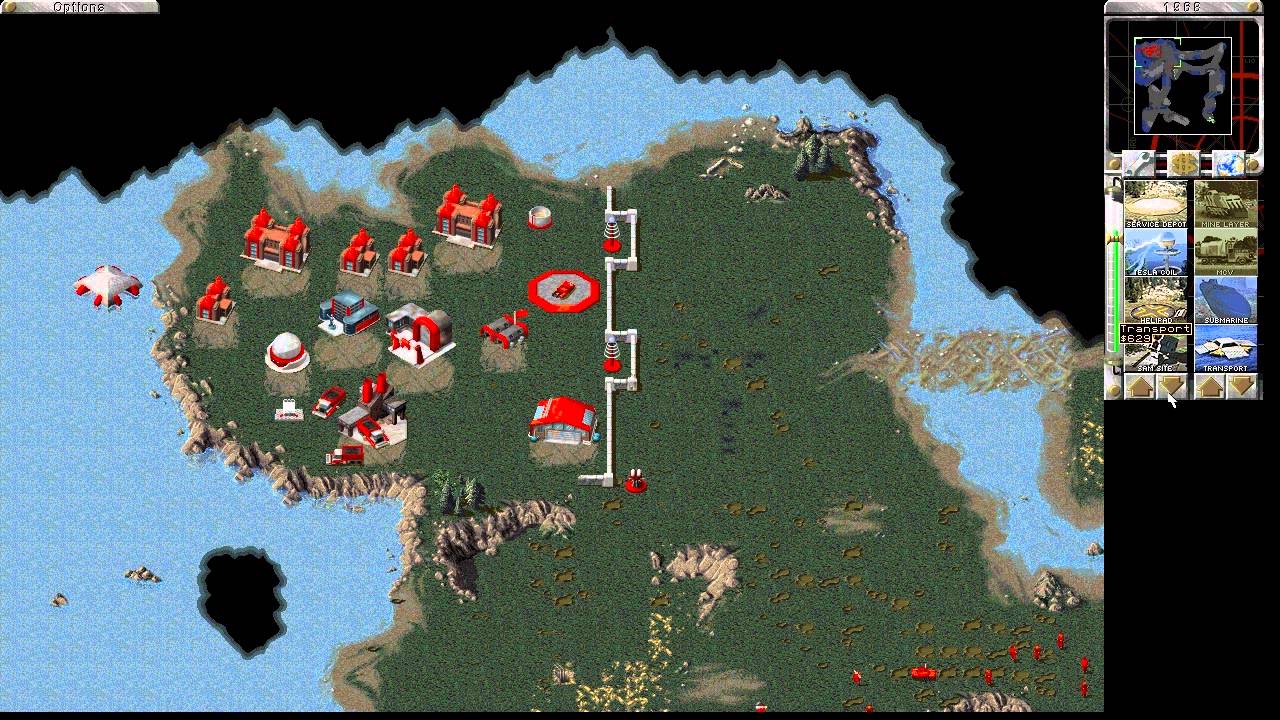
then came its spawn, all the Red Alerts and Tiberium Sun etc.
Then, there was Total Annihilation (1997)which was eternally awesome, and the last of these games I played 😢https://store.steampowered.com/app/298030/Total_Annihilation/
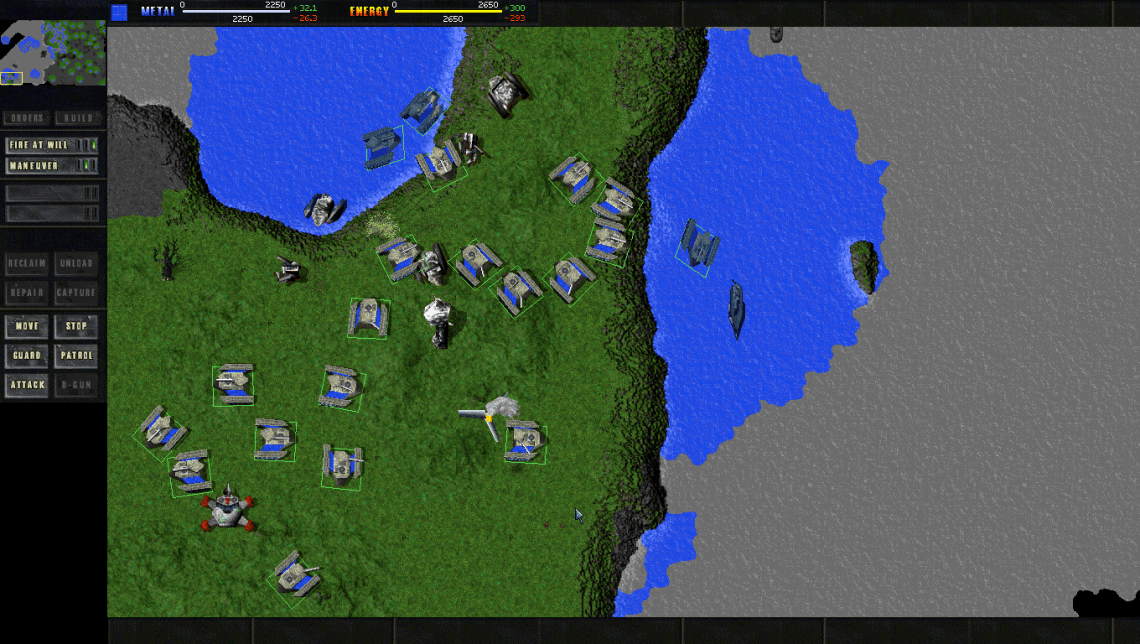
then, for the longest time, darkness prevailedboys became men, and largely stopped playing with their toys
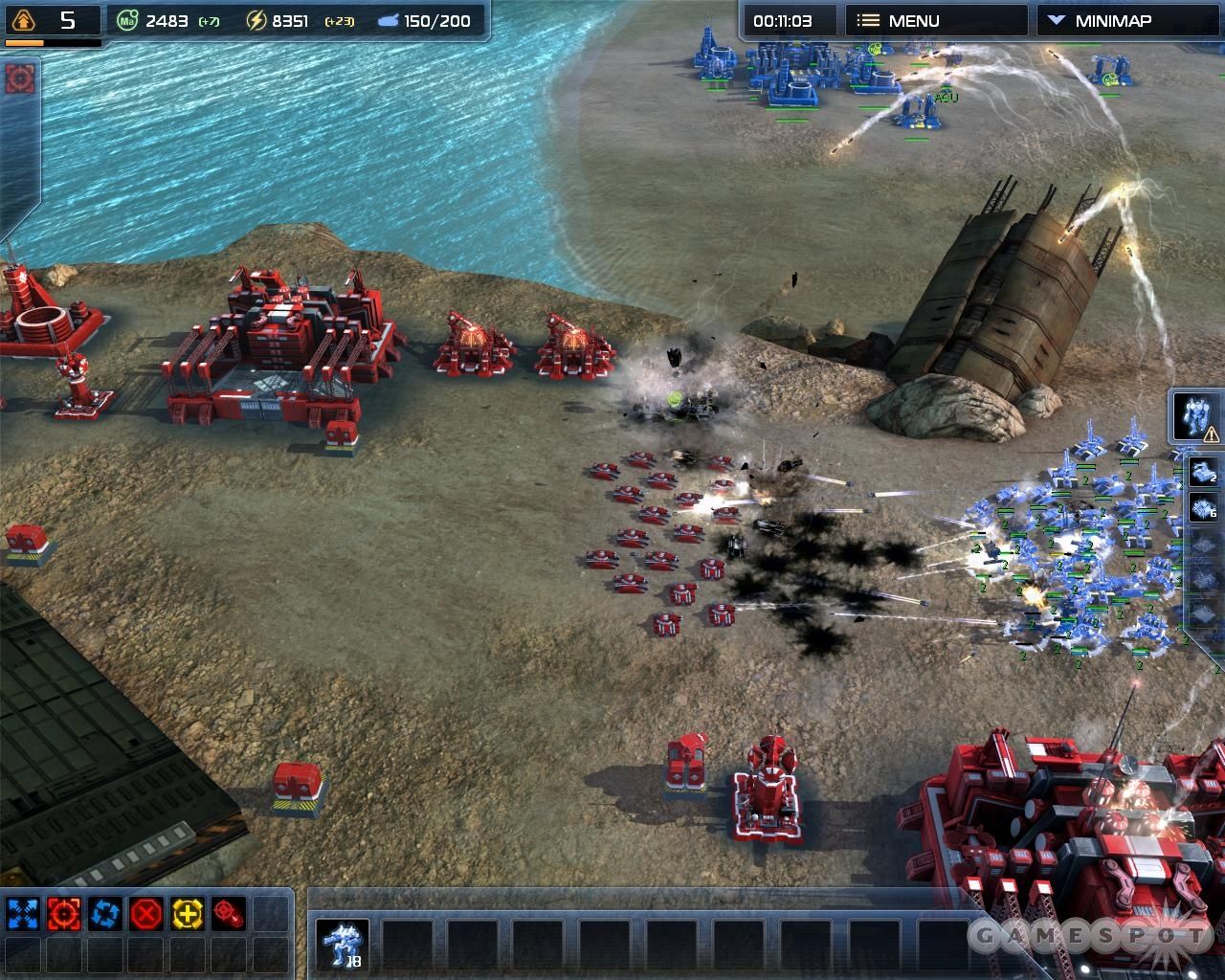
Supreme Commander (2007) arrived, but looked differenthttps://store.steampowered.com/app/9350/Supreme_Commander/
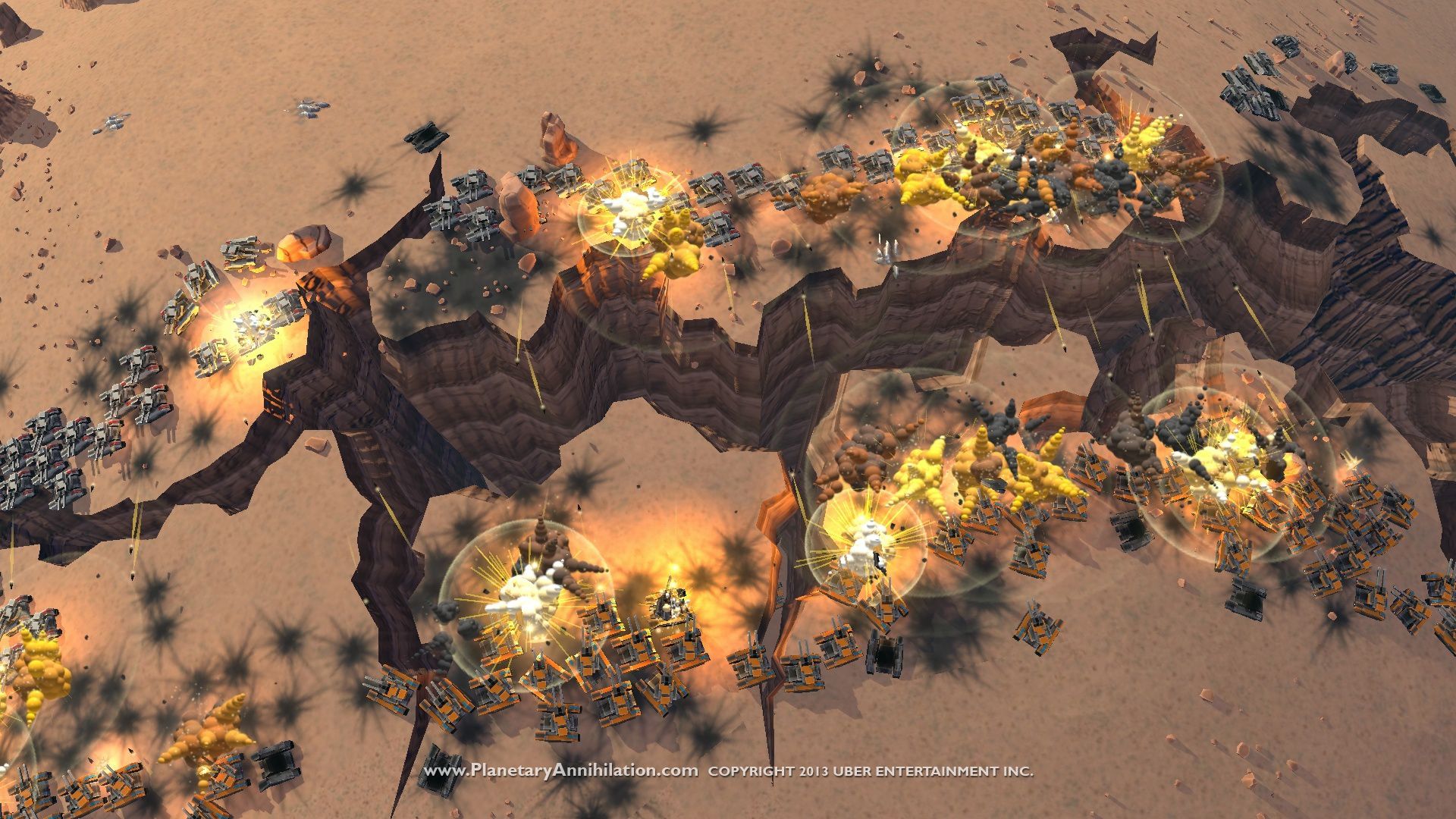
finally there is now, Planetary Annihilation (2015)https://store.steampowered.com/app/386070/Planetary_Annihilation_TITANS
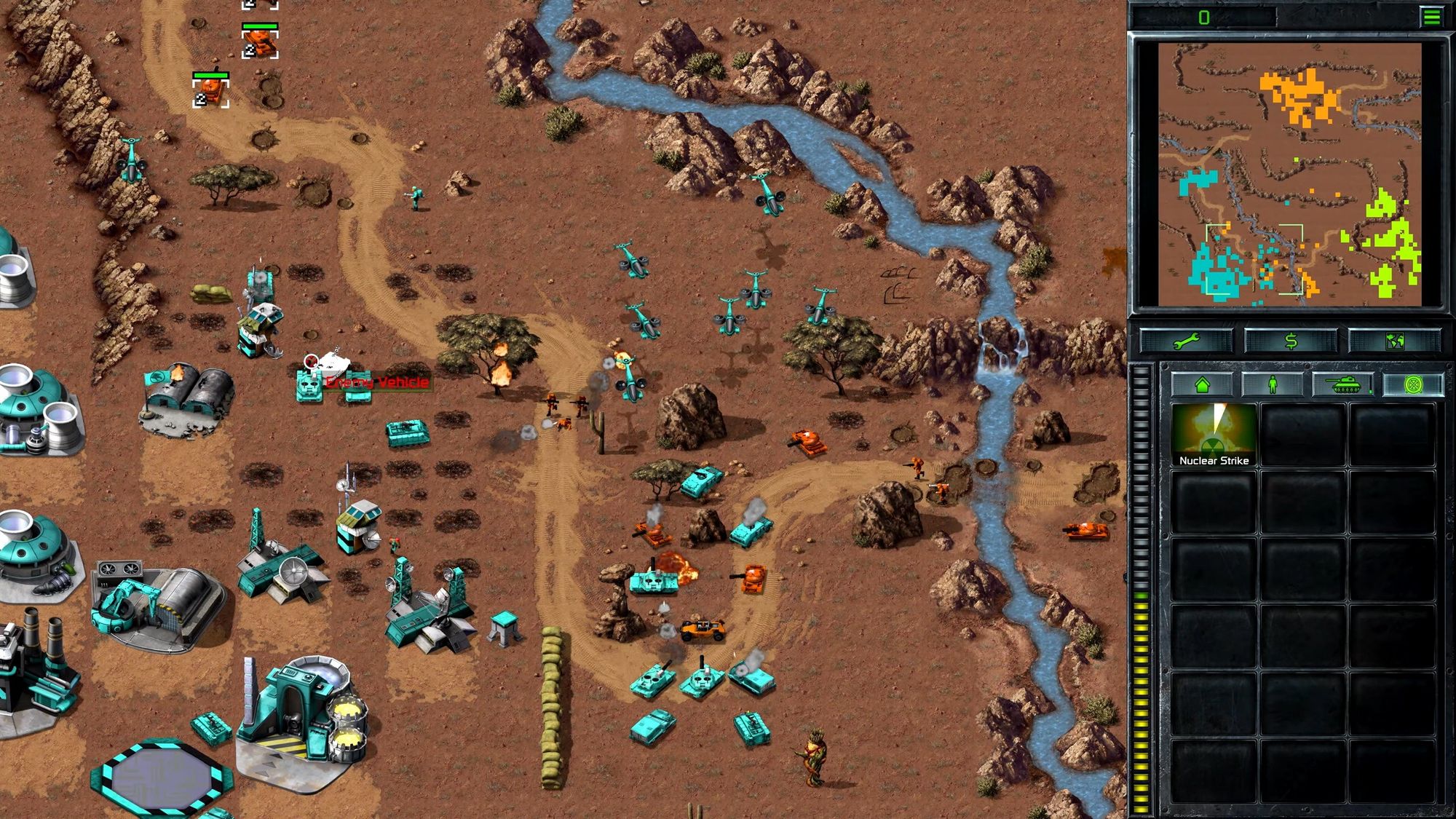
and also,Command and Conquer has recently been remastered (2020)https://store.steampowered.com/app/1213210/Command__Conquer_Remastered_Collection/
To understand why.. It is worth reading.. https://forums.planetaryannihilation.com/threads/discuss-total-annihilations-spirit-in-planetary-annihilation-updated-page-6-05-08-14.58593/